Intel's new Alder Lake chips come with two sets of CPU cores: E-Cores and P-Cores. But why have two types of core in a single CPU?
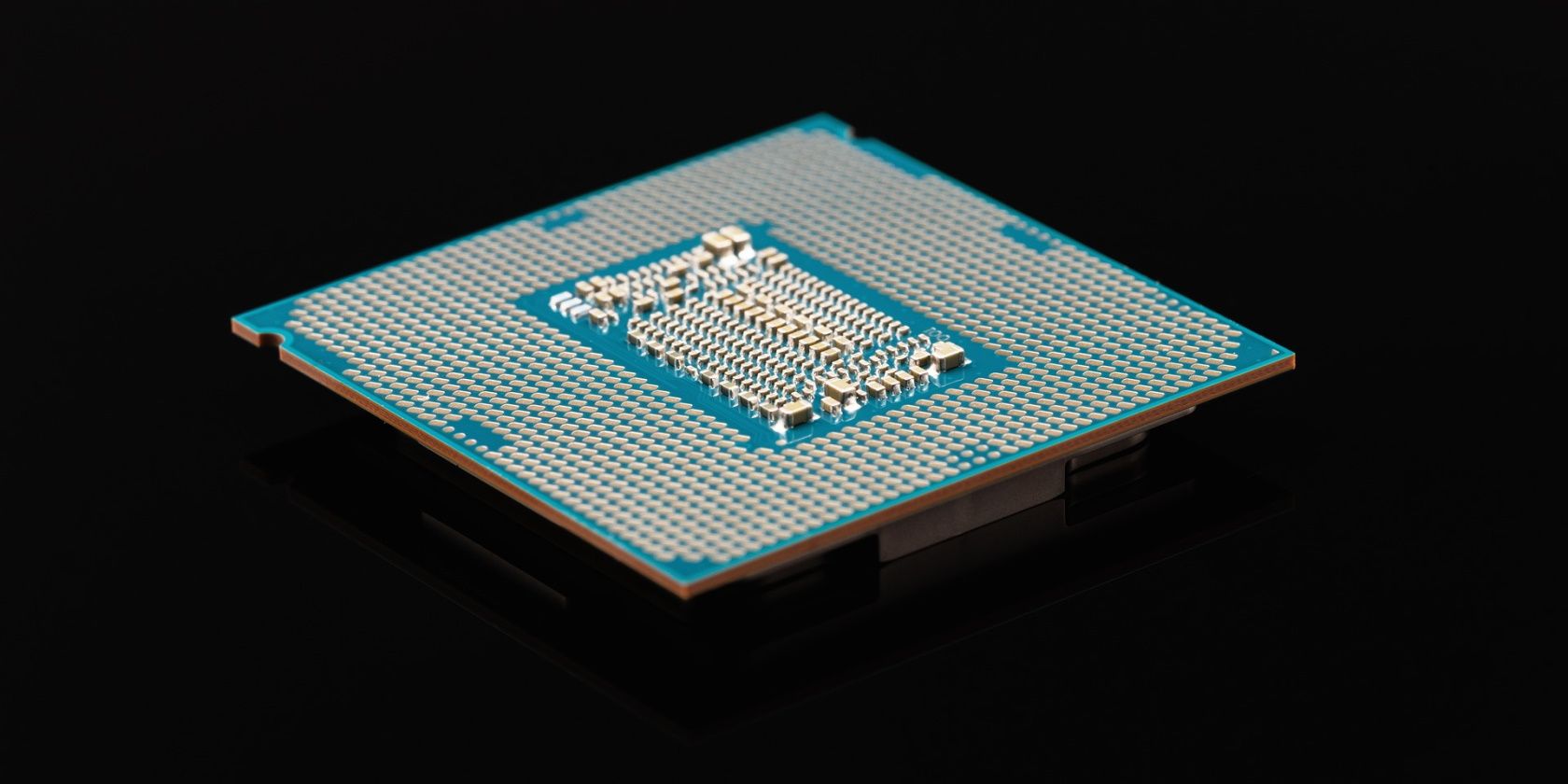
The cores in your computer's CPU have evolved at a steady rate over the years. We first had single-core CPUs, but that quickly evolved to multithreading, and from there, multi-core setups, starting with dual-core designs before launching into quad-core, octa-core, and further.
Intel's 12th Gen CPUs treated us to an unexpected yet pleasing twist: two different kinds of cores in one CPU package: E-Cores and P-Cores.
But what's an Intel E-Core and a P-Core anyway? And more importantly, why should you care?
Why Do Intel CPUs Come With Different Cores Now?
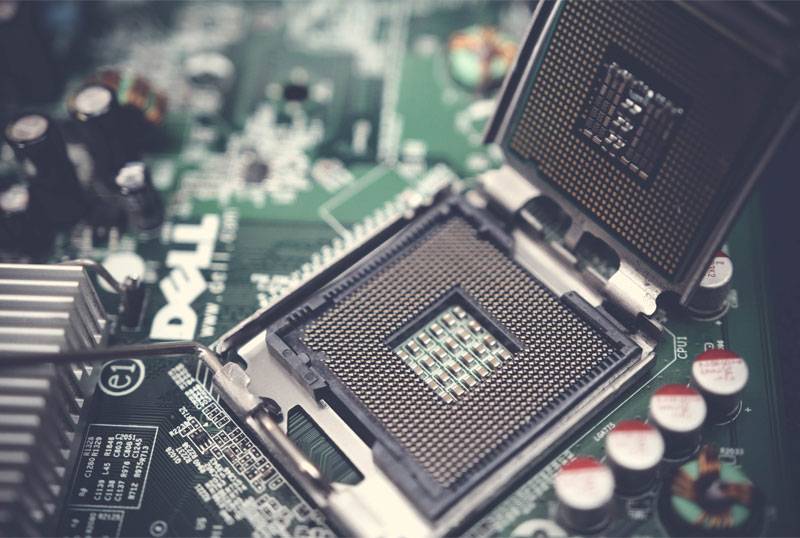
Up until this point, x86 computers have used core layouts comprised of cores that are, for the most part, identical to one another. Each core has the same processing capacity and clock speed, silicon lottery notwithstanding. Since the purpose of multi-core designs is to spread tasks between all cores to crunch through things faster, it's a design that makes sense.
However, on the ARM side, they decided to switch things up a little with whats known as a big.LITTLE architecture. Basically, you now have two sets of cores doing different tasks. The bigger, performance-focused cores handle the heavier tasks, while the smaller, efficiency-oriented cores take up background tasks while consuming way less energy. The combination allowed ARM to boost its chip performance while also keeping power consumption low.
This is exactly what Intel is doing here. You have two sets of cores doing different things. The company did an initial experiment with this layout with its mobile Lakefield chips, the Intel Core i5-L16G7 and the Core i3-L13G4. Those chips came with one P-core and four E-cores. While that initial incarnation was a mixed bag in terms of performance, the company did it again with its main lineup of chips, Alder Lake, where it was widely praised.
The whole chip layout works almost identically to what ARM has been doing for years with big.LITTLE, and so far, it looks like a worthy upgrade from current x86 core layouts. Even AMD is set to replicate it with its new "Strix Point" CPUs once Zen 4 comes around in 2023.
What Is a Intel P-Core?

Let's start by laying down what a P-Core is. On Intel's set of two different core layouts, P-cores are the strongest cores on the chip. These are the ones that will guzzle the most energy, run at the highest clock speeds, and overall crush through instructions and tasks. These are the "main" cores in the chip doing most of the hard work, lifting the heavier weight. On Intel's 12th gen CPUs, P-cores are based on Intel's Golden Cove microarchitecture, succeeding the older Cypress Cove cores used in Rocket Lake (11th Gen) chips.
P-Cores will typically take care of heavier tasks, such as games or heftier processing loads, as well as other workloads that benefit from single-core performance in general. In the past, when cores on Intel chips were all identical, all of a PC's instructions were distributed between all cores equally. Additionally, P-Cores also offer hyperthreading, meaning each core will have two processing threads for tackling loads better.
What Is an Intel E-Core?

P-Cores are, really, the same cores we've known for years. The real star of the show here, though, is the Intel E-Cores, which are the true new big thing in Alder Lake. While P-cores get all the headlines and all the attention, E-cores take a step back to tackle other kinds of everyday tasks.
E-Cores are smaller and weaker than P-Cores, but at the same time, they also guzzle less power. In fact, their whole focus is power efficiency and achieving the best performance per watt. So, what does an E-Core actually do? Well, in combination with the P-Core configuration, it takes care of multi-core workloads and other kinds of background tasks while also leaving P-Cores mostly unoccupied for heavier workloads.
On Intel's 12th Gen chips, E-Cores are based on Intel's Gracemont microarchitecture. It's a successor to Tremont, which powers some Pentium Gold and Celeron laptop chips. We're guessing you get the idea of where they're coming from—they're mainly low-power cores, running at low clock speeds (as low as 700 MHz in some mobile chips). Despite the fact that they're low-power cores, Intel likes to flaunt their performance compared to cores from previous generations.
How Well Do P-Cores and E-Cores Work Together?

In a nutshell, pretty well. The P-cores in 12th Gen chips provide 19% better performance than the cores on Intel's 11th Gen chips, according to Intel itself. In addition, the E-Cores are no slouch, either. They provide 40% better performance at the same power as Skylake chips. The Skylake architecture was launched in 2015, but it's still widely used in some older gaming computers today, so for cores that are supposed to be low-power, that's not bad at all.
With Alder Lake and that new hybrid core layout, Intel managed to position itself back at the top of the CPU performance game, a crown that was, for a short time, snatched by AMD with its Ryzen 5000 series of CPUs. Not only they're fantastic for gaming, but they're also great for productivity purposes, partly because of the combination of E-Cores and P-Cores.
On benchmarks, the new Intel chips are shown to not only have amazing single-core performance but also incredible multi-core scores, showcasing their surprising new-gained versatility. Intel chips were known for their amazing single-core performance but were often scolded for lagging behind AMD in multi-core. That tide changed with Alder Lake and its new core layout.
And as we said before, AMD is well aware that it's a winning formula. Ryzen 8000 chips are rumored to be coming with a similarly hybrid CPU architecture. AMD will be late for that party, as Ryzen 7000 is set to come with a layout of all-identical Zen 4 cores, but we should be seeing AMD's first hybrid chips by late 2023 or early 2024.
Hybrid CPU Layouts Are the Future
While the concept of P-Cores and E-Cores isn't new to the tech world, it is new to the x86 architecture, and Intel is seeing amazing results from using it. Core counts on its chips have gone up, and with them, performance.
They're one of the most important developments in PCs in years, even in their initial iteration, and we can't wait to see how they improve in the future.
Comments
Post a Comment